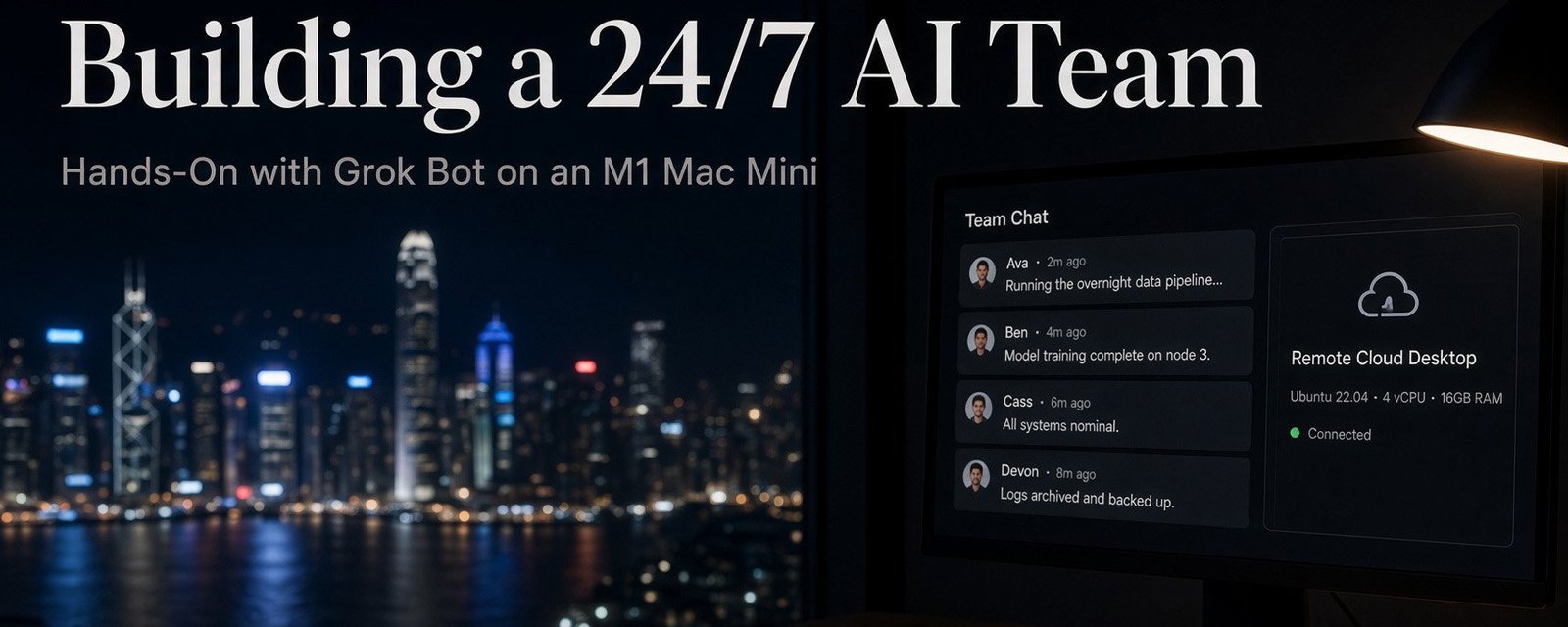
Building a 24/7 AI Team: My Hands-On Test with Grok Bot on an M1 Mac Mini
Painless AI Lab. A Hong Kong practitioner’s real-world AI journey (Part 33)
Living in Hong Kong, time is the expensive part. Work, family, markets, and the side projects I keep saying I will scale. There are never enough hours.
2 weeks ago I sat through a free AI agent class called WorkBuddy and got stuck on a simple idea. What if the system did not wait for the next prompt?
What if it actually finished the job?
Then xAI shipped Grok Bot. While the timeline was busy arguing about the next giant model, I wanted a narrower question. Can this thing take real work off my plate today, on the machine I already own?
That machine is a 2020 Mac Mini with an M1 chip. Quiet, always on, nothing fancy by 2026 standards. That is the point of this series. Useful AI on hardware most people already have.
What is actually different
If you have used ChatGPT or Claude or Programer, you will kow the “loop”. You type. You wait. You get a draft. You still have to do the last mile.
Grok Bot is trying to be a teammate, not a chat window. You message it the way you would message a colleague. You give it a job, some context, and access to the tools it needs. It works across apps and websites, pings you when it is stuck, and comes back when something needs a yes from you.
The important bit, and the bit a lot of posts get wrong, is where the work runs.
The Bot does not run on my Mac Mini. The Mini is the remote control. The actual computer is a persistent cloud VM with a browser, a filesystem, and a terminal. Close the lid, shut the Mini down, go to bed. Background jobs and scheduled routines can keep going.
One more correction I wish I had seen earlier. Marketing talks as if every Bot gets its own private machine. On your account they share one cloud computer. Files, browser sessions, and logins sit on that shared box. Each Bot keeps its own conversation and memory, and each one gets its own screen, but they are not walled off from each other. That is why handoffs are easy. It is also why you should not treat “Bot A” as safely isolated from “Bot B.”
In practice that looks like this:
- It can run a long workflow without asking you to click through every step.
- It still stops for the human bits. Login walls, 2FA, CAPTCHAs, expired sessions, or anything you marked as needing approval.
- It can keep scraping, sorting files, or chewing through research overnight because the VM is in the cloud.
- For Gmail, Google Drive, Notion, and similar tools, you install plugins from the Marketplace. If there is no plugin, it uses the cloud browser and clicks around like a person.
That is the 24/7 pitch. A small digital team that does not sleep. The honest version is a small digital team that works while you sleep, then taps you when it cannot finish alone.
The setup on the M1 Mini
Cloud agents are not new. I wanted to know whether Grok Bot felt usable on a normal desk setup, not a lab full of GPUs.
The Mac app is a normal download. Apple silicon build, drag it into Applications, sign in. No terminal ritual. Grok Bot is bundled with paid SuperGrok and Cursor plans, and it has its own usage pool, so this is not a free toy you casually install on a Sunday.
Inside, the interface is plain. Create a Bot, or browse the Marketplace for plugins. For everyday work I connected the usual suspects, Gmail, Drive, Notion. If you need something odd, there is room for custom MCP-style tools. That is the specialist path, not the default first screen.
First hour feeling: you are onboarding a new assistant. You have to say what the job is, what it must not touch, and when it should stop and ask. If you are sloppy, it will wander. If you are clear, the boring background work starts to move without you sitting there.
What I think so far
I would not call it magic. I would call it a different shape of tool. Chat gives you text. This gives you a machine that can stay logged in and keep going after you leave the room.
For someone trying to keep a main job and still build something on the side, that is the interesting part. Not another clever answer. One repetitive task you do not have to babysit.
If you try it this week, pick one chore. Inbox triage, filing research notes, pulling a daily brief into Notion. Give the Bot a tight brief and a stop rule. Then see whether the next morning is actually lighter.