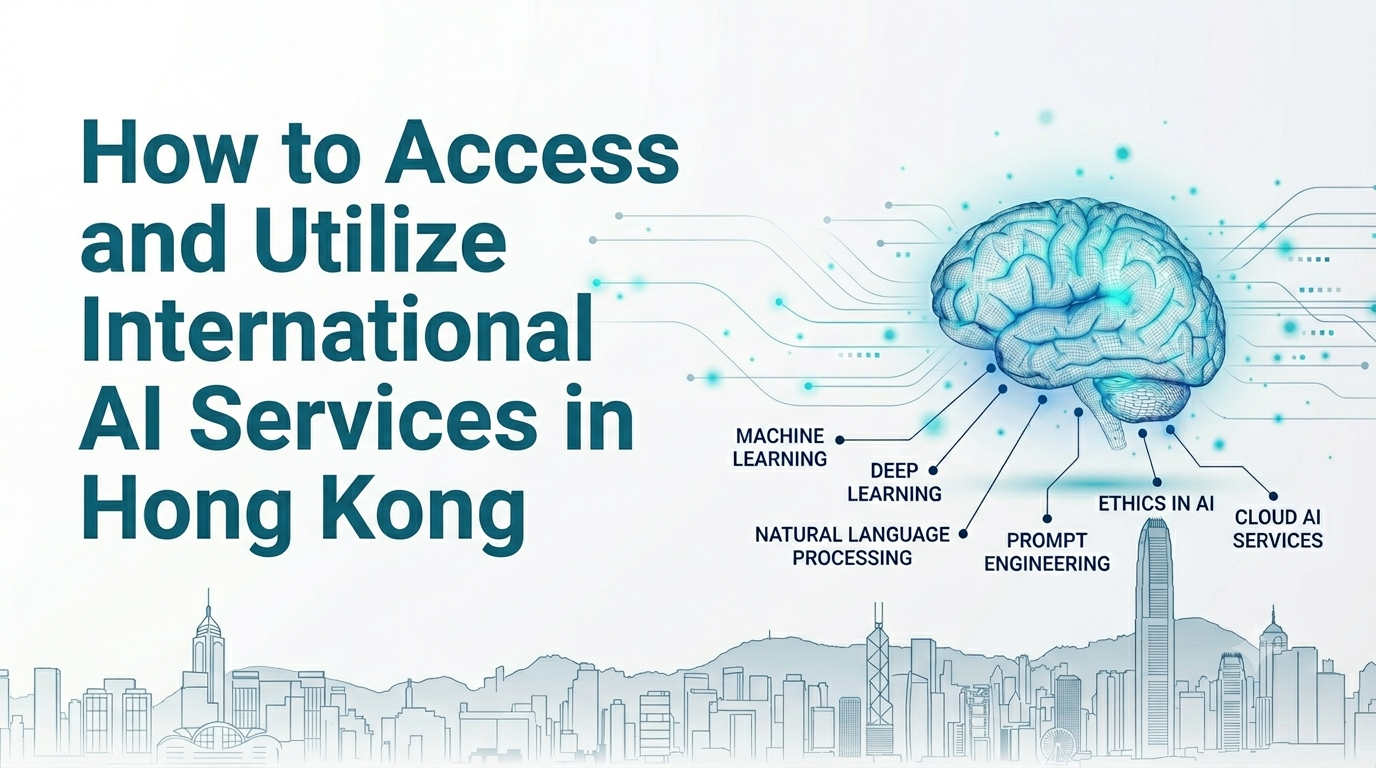
How I built My First AI App under regional restriction?
Painless AI Lab – A Hong Kong Practitioner’s Real-World AI Journey (Part 5)
Most people assume that living in Hong Kong — a major international financial hub — means easy access to all the latest AI tools. Unfortunately, that’s far from the truth. OpenAI, Anthropic, Google AI Studio, and many other major platforms often have regional restrictions here. Sometimes you can’t log in at all. Other times you’re forced to use a VPN. As a Hong Kong solopreneur, I ran into these roadblocks many times. But I eventually figured it out and successfully built my first AI application: “Find the Right Stock.”
This post is the real story of how I did it. The Reality of Using AI in Hong Kong. Even though Hong Kong is highly developed, AI tool access can be surprisingly frustrating:
- Personal accounts are often geo-blocked
- Enterprise accounts are more stable
- VPNs work but are slow, unreliable, and not ideal long-term
My Practical Solutions (From Easiest to Most Advanced)
- Easiest Option: Use Readily Available Powerful Models (Great for Beginners)
- Google Gemini (most features are available in Hong Kong as of 2026)
- Grok (xAI) — Currently my daily driver
- DeepSeek / Qwen series — Excellent bilingual performance
- Perplexity — Lets you switch between multiple models
- These tools already cover most of my everyday needs.
- Enterprise-Grade Solutions (Best for Serious Work)
- Microsoft Copilot + Azure OpenAI — Most reliable for Hong Kong businesses
- AWS Bedrock (Claude) — Standard enterprise way to use Anthropic models
- Google Vertex AI
- They’re built for business, offer strong data security, SLAs, and full compliance.
- Running Models Locally (My Current Main Approach)
- Using Ollama to run Gemma, Codex, Claude Code, and other strong models on my own machine
- No VPN needed
- Maximum privacy (data never leaves my computer)
- Almost zero cost (except electricity)
- The downside? It’s demanding on hardware. My old office laptop struggled and often froze. I strongly recommend a more powerful Mac or AI-ready PC for a smooth experience. How I Built My First AI App?
When I decided to build “Find the Right Stock,” I had two paths:
- Keep relying on restricted cloud models (unstable)
- Shift toward local models + unrestricted services
Because my laptops were running too slowly with local models at first, I used a mix — primarily cloud models with VPN when necessary, combined with local tools for development. I used Codex App + Ollama to generate the entire Next.js project, connected stock market APIs, and applied my custom investment analysis prompts to generate professional reports. Once the app was ready, I deployed it using GitHub and Vercel. It’s now live at www.ib-hk.com. While report generation still uses paid usage-based models, I no longer depend heavily on geo-restricted services.
My Recommendations for Hong Kong Users
Your Goal | Best Solution |
Daily use & learning | Gemini + Grok + Perplexity |
Building personal tools | Ollama (local) + Cursor / Codex |
Professional / Business use | Azure OpenAI or AWS Bedrock |
Maximum data privacy | Ollama + Local models |
This Week’s Challenge
- Try at least one fully unrestricted option (Gemini, Grok, or Ollama)
- Run one of your regular tasks using a local model and compare the results
- If you’re thinking about building your own AI app, drop a comment below — I’d love to hear your idea!
Next Post Teaser:
“Find the Right Stock App: The Full Development Story + Mistakes I Made”