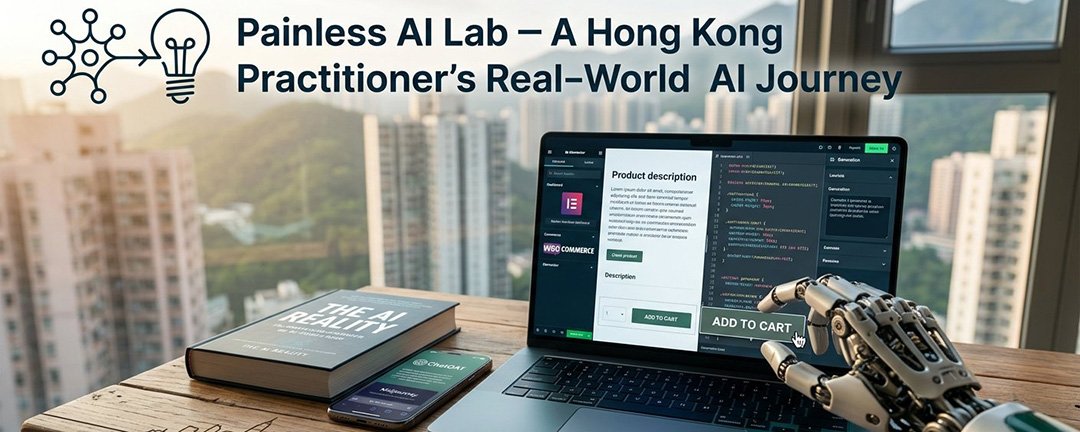
Can AI Really Build Your Website? Why I Skipped the One-Click Hype and Spent Hours Doing It Myself
Painless AI Lab. A Hong Kong practitioner’s real-world AI journey (Part 34)
If you’ve spent five minutes on social media lately, you’ve probably seen the ads.
“Type one prompt and launch your dream website in 30 seconds!” “No coding needed! Our AI builder does 100% of the work!”
It sounds incredible, especially when you’re running on Hong Kong time where every minute counts and living expenses mean you can’t just throw cash at web agencies.
Recently, I hit a big milestone: I finished the final draft of my book on AI. To get it out into the world, I needed a proper home for it — a clean, functional e-commerce website where people could learn about the book and buy it directly.
Naturally, the temptation to hit a big shiny “Generate AI Site” button was real. But, I decided to pass on pure AI site builders. Instead, I spent a few hours rolling up my sleeves and building it the classic way — with a twist.
Here is why I couldn’t bring myself to trust a single prompt with my site, and how I actually used AI to get the job done.
The Hidden Costs of “Instant” AI Websites
The idea of generating a complete site in seconds is appealing, but when you look closer at real-world operation, the cracks start to show.
1. The Subscription Stack Hits Fast
Most AI website builders run on freemium models. Generating a homepage is free, but the moment you want custom domains, e-commerce checkout, or extra features, you’re locked into monthly subscriptions. Stack a few tools together, and your fixed monthly costs shoot up. Using WordPress with open-source plugins meant my only real fixed expense was basic hosting — something crucial when you’re keeping your burn rate low.
2. The Customization Wall
What happens when you need to change a payment gateway, adjust a layout, or add a specific product variation six months down the line? If a black-box AI generated your site, tweaking granular elements can turn into a nightmare. You’re often tied to their specific ecosystem, making true scalability tricky.
3. Maintenance and the Unknown
Websites aren’t “set it and forget it.” They require updates, security patches, and troubleshooting. If you don’t understand how your site was assembled in the first place, fixing a broken cart during a launch sale becomes pure guesswork.
My Compromise: Human Strategy, AI Execution
Instead of letting AI take the wheel, I used it as a high-speed assistant while keeping WordPress as the engine.
Over those few hours, whenever I hit a technical snag—like a Error Message, Setting problem, a hook that wasn’t firing, or a tricky plugin integration—I didn’t waste hours scrolling through support forums. I opened up my AI LLM, pasted the error, and got targeted fixes in seconds.
I also used AI to handle the creative heavy lifting:
- Generating crisp, high-resolution product visuals for the book display.
- Drafting short promotional video clips for the landing page.
- Polishing product descriptions without losing my personal voice.
Finally, I had a fully functional e-commerce site. I control the host, and I know exactly how to fix or scale it when order volumes grow.
AI didn’t build the site for me . It worked with me to cut my development time in half.
The Takeaway
AI is incredible at accelerating task execution, but it still lacks strategic intuition. When you’re building something long-term—whether it’s an e-commerce brand, a portfolio, or a book storefront—relying 100% on a black-box generator leaves too many unknowns on the table.
Using proven tools while leveraging AI to solve specific technical blockers gives you the best of both worlds: complete ownership and rapid execution.
Have you tried using AI builders for your projects, or do you prefer having full control under the hood? Let me know in the comments below!